Your Crypto Market,
On Your Desk
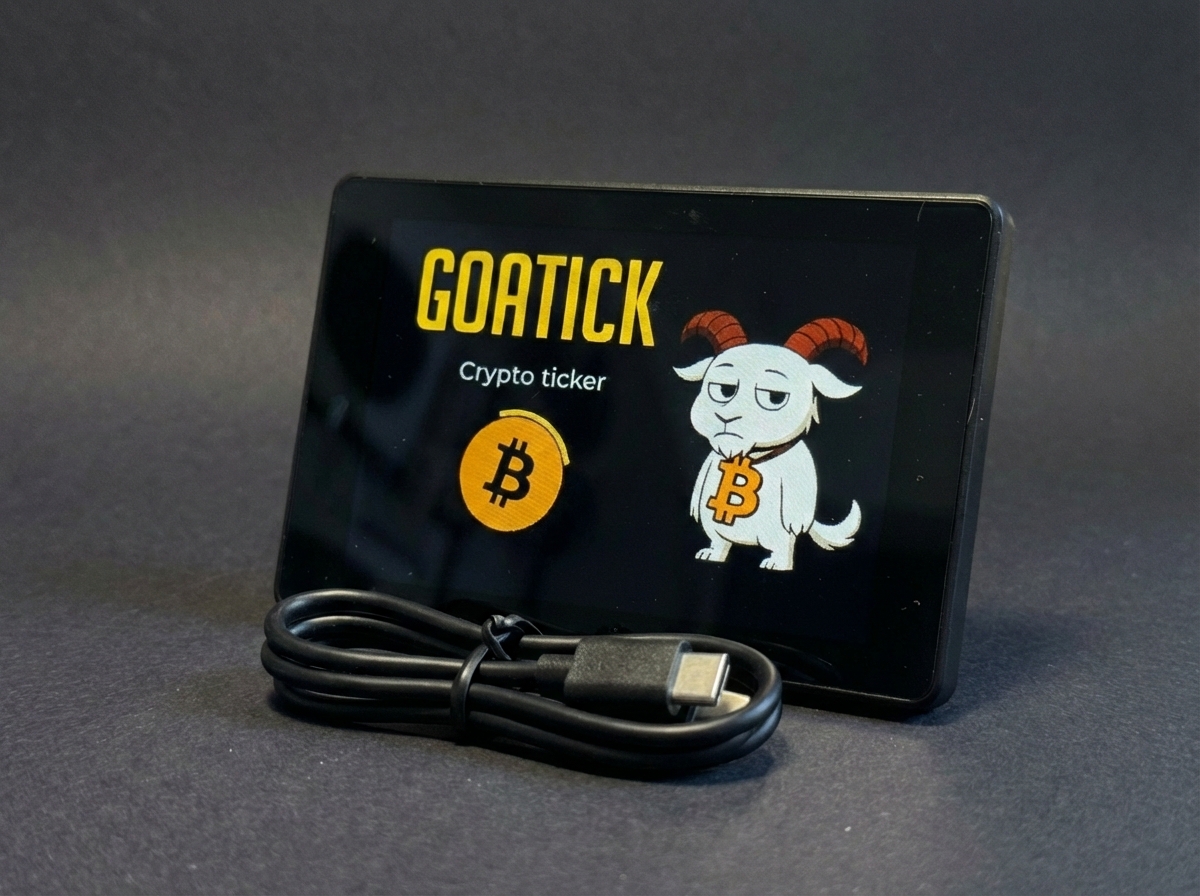
3.5-inch standalone screen displaying your cryptos in real-time from Binance. Choose your pair, adjust intervals — always keep an eye on the market.
Stop refreshing charts. Let GOATICK watch the market for you.
Works out of the box. No account required.
OTA
Over-the-Air updates
No Subscription
One-time purchase. No monthly fees.
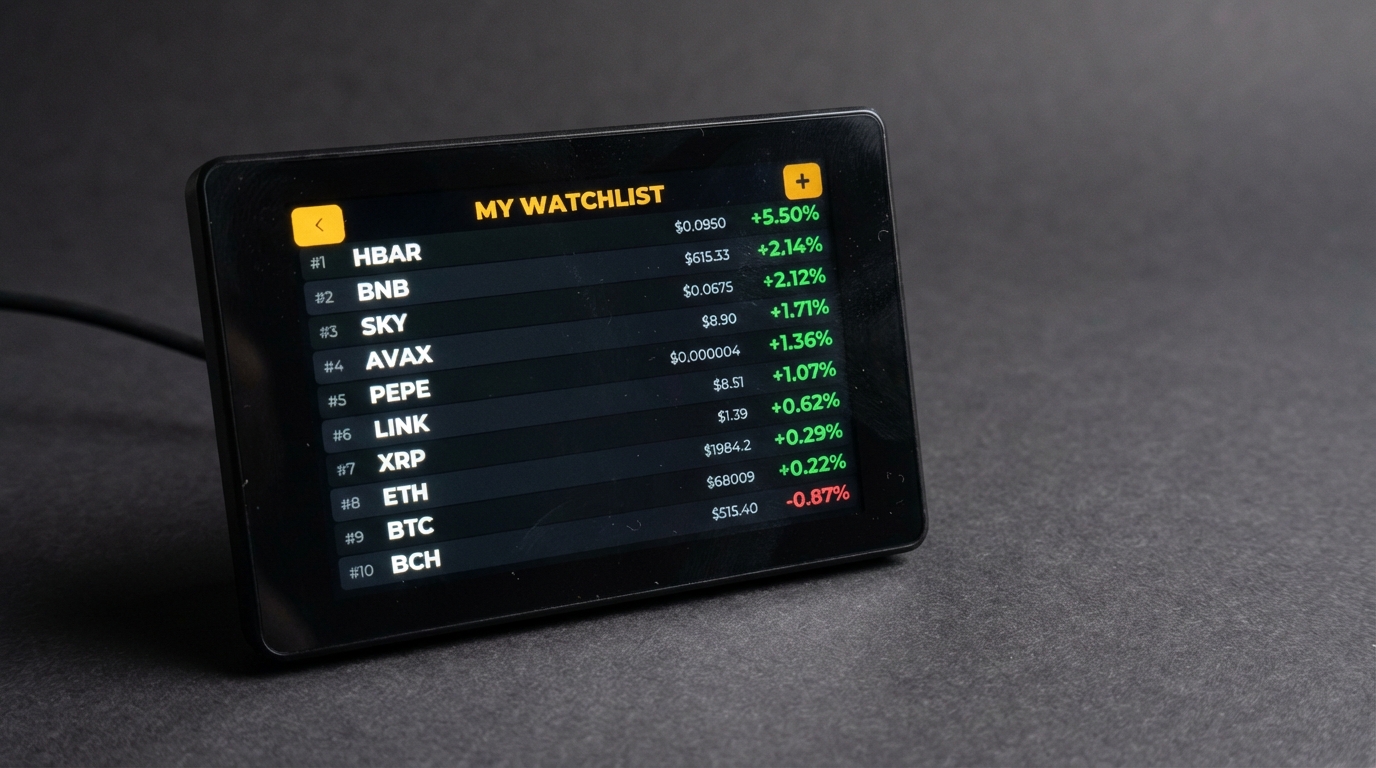
Custom Watchlist
Up to 10 cryptos saved
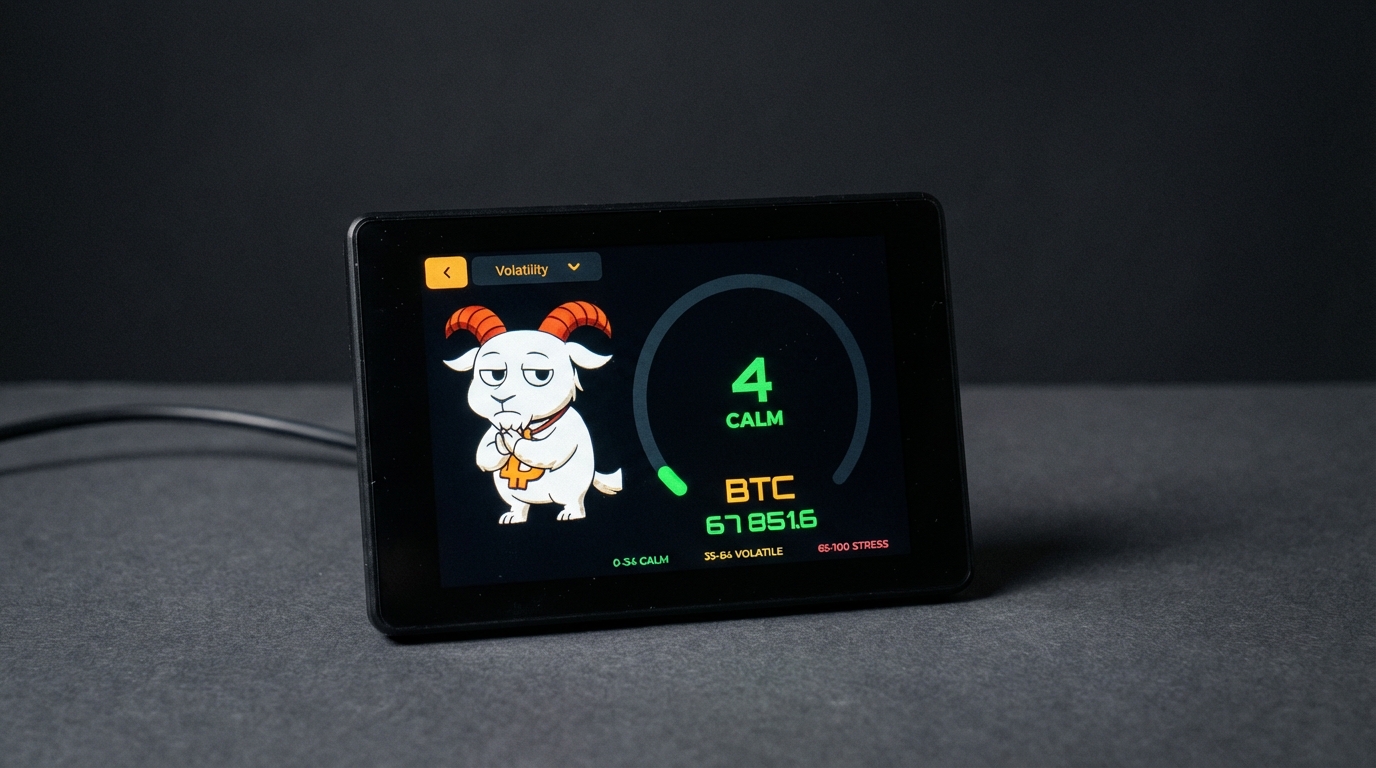
Market Pulse Live
Real-time updates
Secure & Private
No login required
● LIVE
Binance API
GOATICK in Action
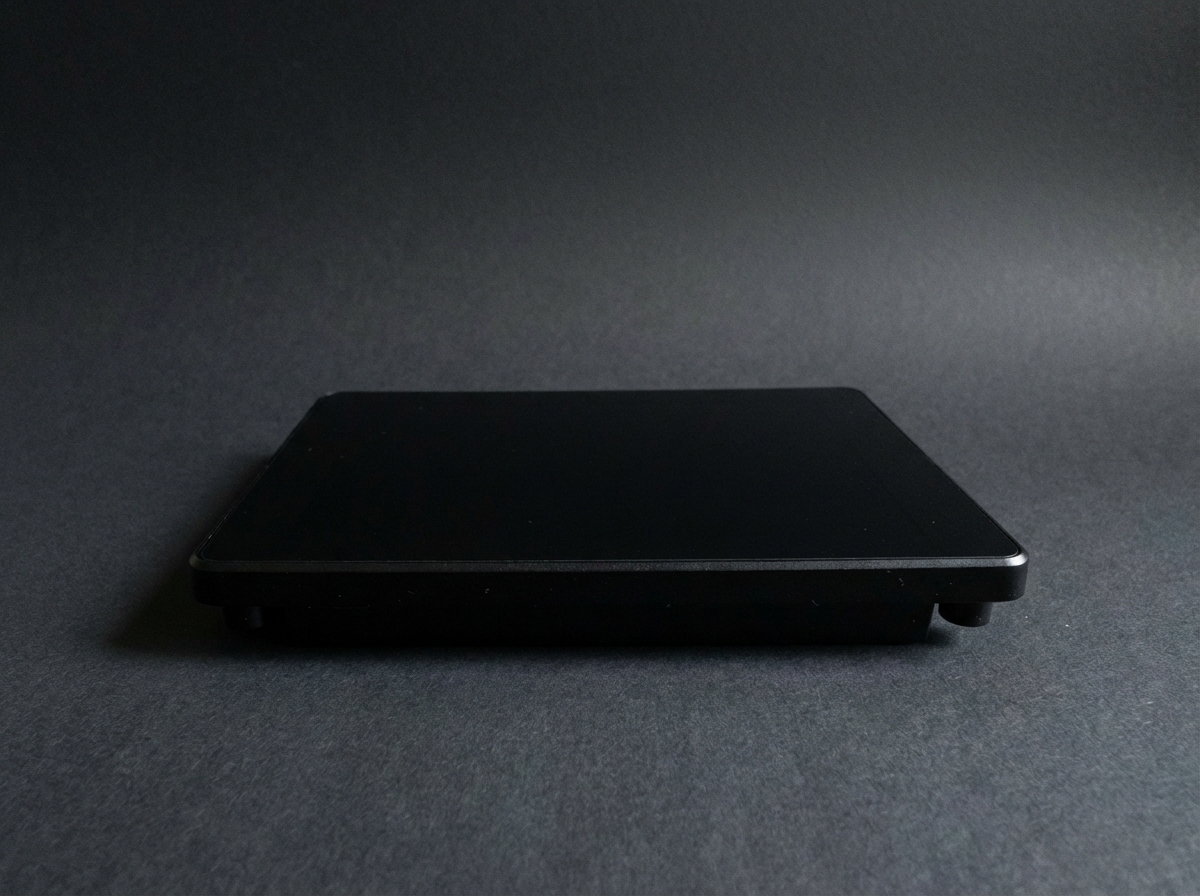
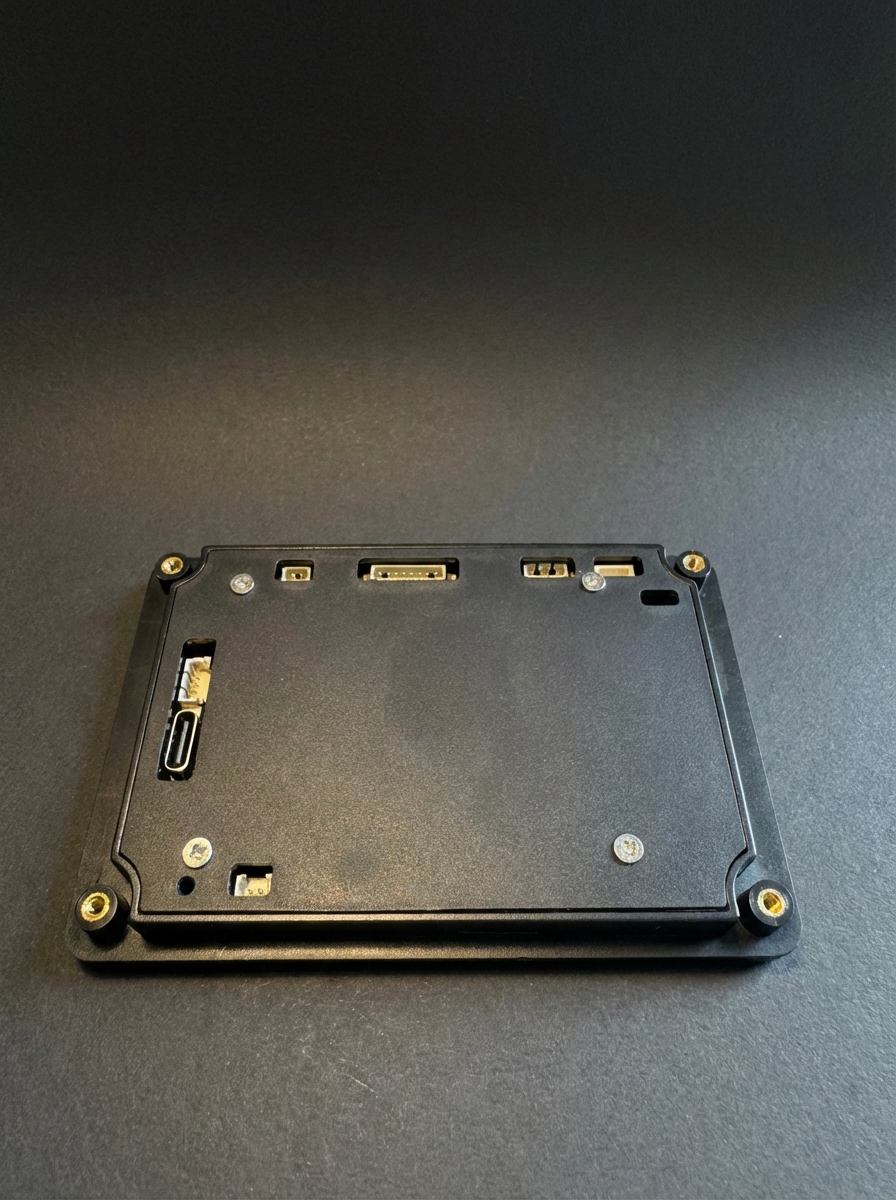
Discover GOATICK from every angle.
Built For Your Desk
A dedicated crypto screen that lives on your desk and keeps the market in sight.
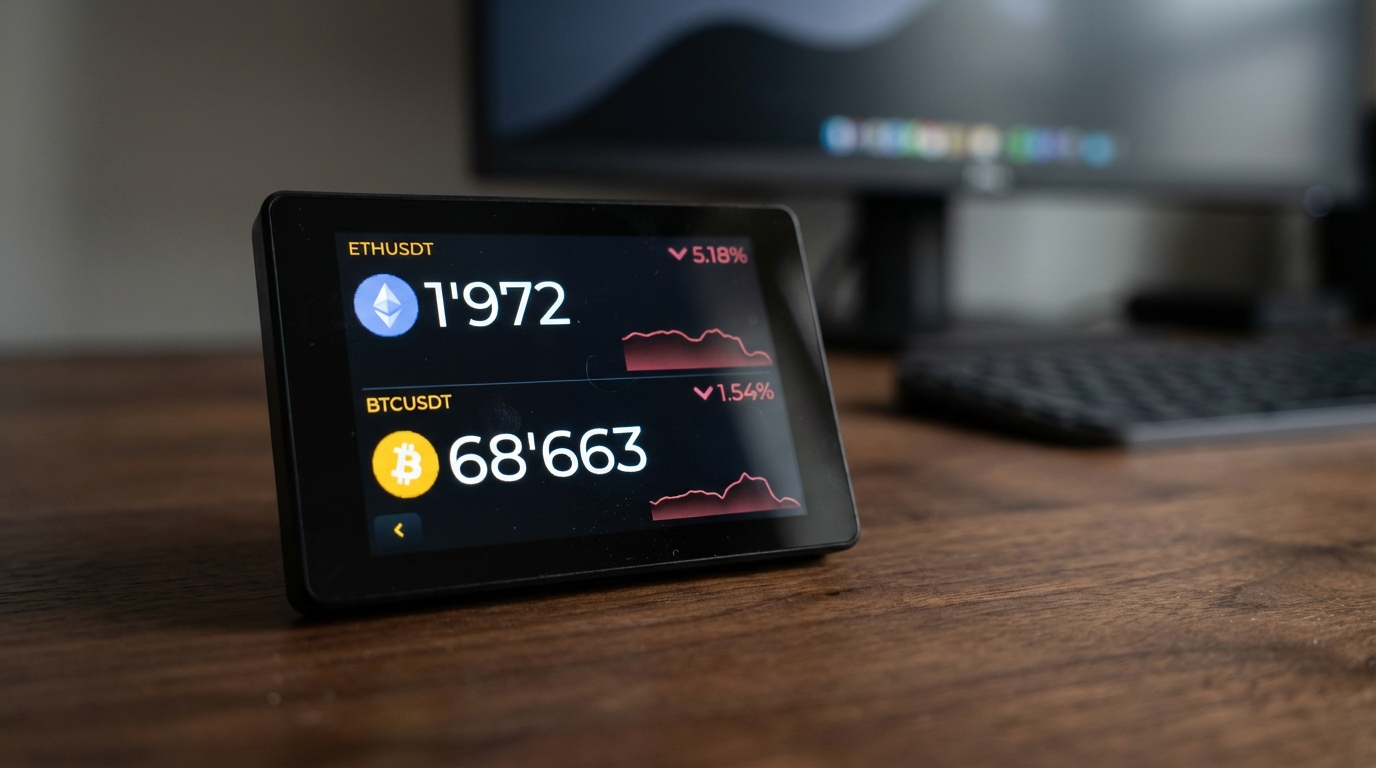
Live prices across 100+ cryptos
Track real-time prices from Binance API for BTC, ETH, SOL, XRP and 100+ pairs. Switch cryptos instantly with a gesture.
Clear charts, always visible on your desk
Visualize trends with clear, readable charts on the 3.5-inch screen. Switch from 1-minute to monthly intervals: 1m, 5m, 15m, 1h, 4h, 1d, 1w, 1M.
Market Pulse
Visual indicator showing market state at a glance: Calm / Volatile / Stress with a 0–100 score. Know if the market is safe or in chaos mode.
Plug & Play
Plug in via USB-C, connect to WiFi via QR code, that's it. No server, no complex setup.
Your watchlist, always on display
Create your personal watchlist with up to 10 cryptos. Interactive leaderboard shows real-time performance rankings.
OTA Updates For Life
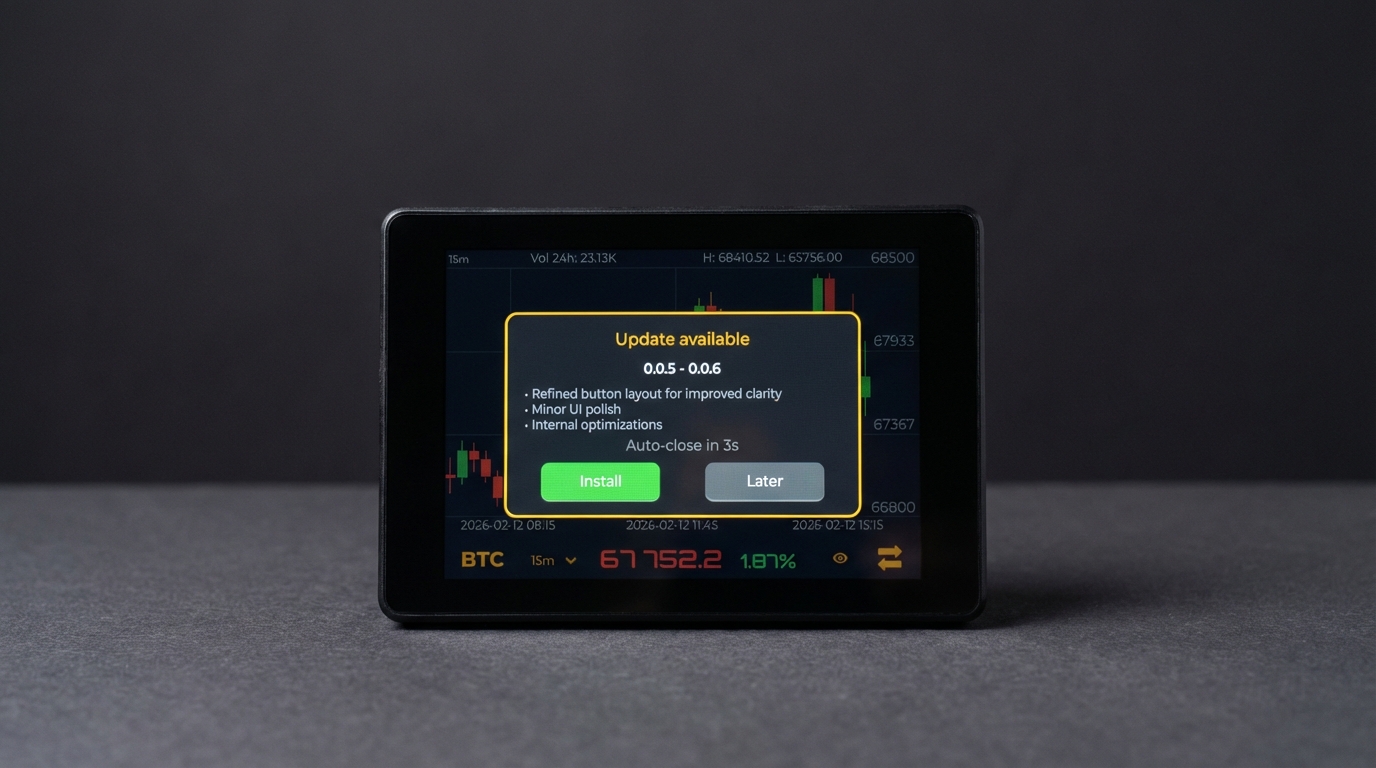
Get free firmware updates forever. Just tap UPDATE on your screen and the latest version installs automatically over WiFi.
How Does It Work?
In 4 simple steps, your crypto ticker is ready.
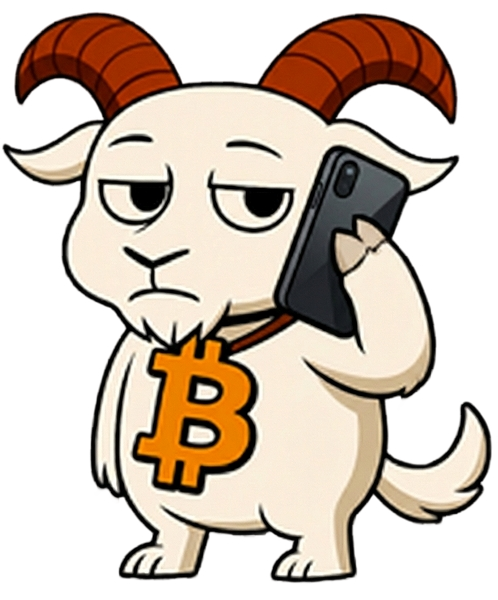
Order
Choose your GOATICK pack and receive your crypto screen directly at home. Everything is pre-installed and ready to use.
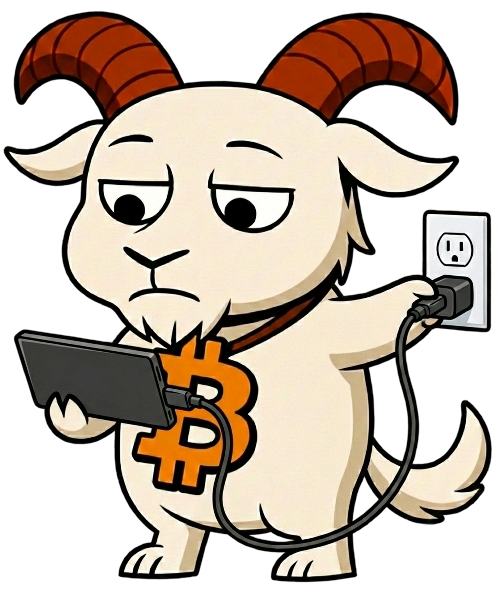
Plug In
Connect your GOATICK via USB-C for power. The screen turns on instantly.
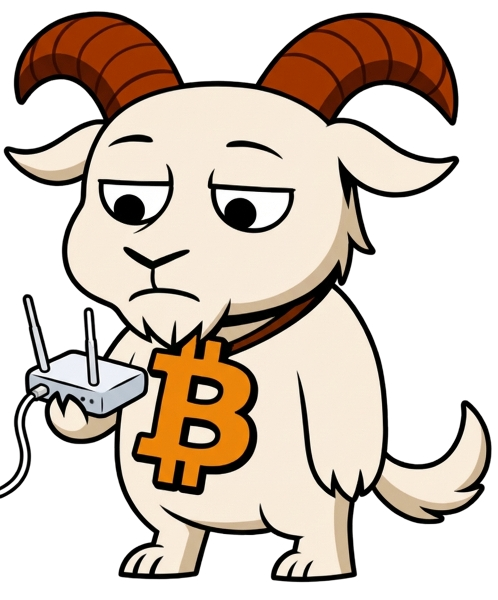
Connect to WiFi
A QR code appears on the screen. Scan it with your smartphone or laptop to access the WiFi configuration page. You can also manually connect to the GOATICK access point and enter your WiFi credentials. Only done once!

Monitor
Choose your crypto, adjust intervals, create your own custom watchlist, and keep an eye on the market without leaving your desk. GOATICK does the rest.
The GOATICK
One-time purchase. No subscription. GOATICK is yours forever.
GOATICK Standard
Everything you need to monitor the market from your desk.
- 3.5" TFT high-resolution screen
- GOATICK software pre-installed
- Real-time Binance ticker
- WiFi setup via QR code
- USB-C cable
- OTA updates for life — free forever



🔒 Secure payment via Stripe · 📦 Worldwide shipping
Frequently Asked Questions
Everything you need to know about GOATICK.
Do I need a subscription to use GOATICK?
No, never. GOATICK is a one-time purchase. You buy the screen with the pre-installed software, and it's yours forever. OTA updates are free.
Which cryptocurrencies are supported?
GOATICK supports all trading pairs available on Binance, over 100 pairs: BTC/USDT, ETH/USDT, SOL/USDT, XRP/USDT, and many more. You can switch pairs at any time.
Do I need a computer to operate GOATICK?
No. GOATICK is a standalone device. It connects directly to your WiFi and fetches data from Binance on its own. You just need a USB-C power supply and a WiFi connection.
What time intervals are available for the chart?
You can choose between 1 minute, 5 minutes, 15 minutes, 1 hour, 4 hours, 1 day, 1 week, and 1 month. Change intervals directly from the screen.
How do I connect GOATICK to my WiFi?
It's very simple! On first startup, GOATICK displays a QR code on its screen. Scan it with your smartphone or laptop to access the configuration page. You can also manually connect to the WiFi access point created by GOATICK and enter your WiFi credentials. Once configured, GOATICK connects automatically on every startup.
What are the screen dimensions?
The screen measures 3.5 inches diagonally (approximately 8.9 cm). It's the ideal size for a desktop ticker: large enough to read comfortably, compact enough not to clutter.
How are updates performed?
Updates are sent Over-The-Air (OTA) via WiFi. When an update is available, GOATICK downloads and installs it automatically. No action required.
Is GOATICK compatible with exchanges other than Binance?
For now, GOATICK exclusively uses the Binance API. Other exchanges may be added via future OTA updates. Stay tuned!
What about shipping?
We currently ship only to selected regions. Availability depends on your country and is confirmed at checkout. Shipping costs vary by destination and are displayed before payment.